Contractor Job & Quote Tracker
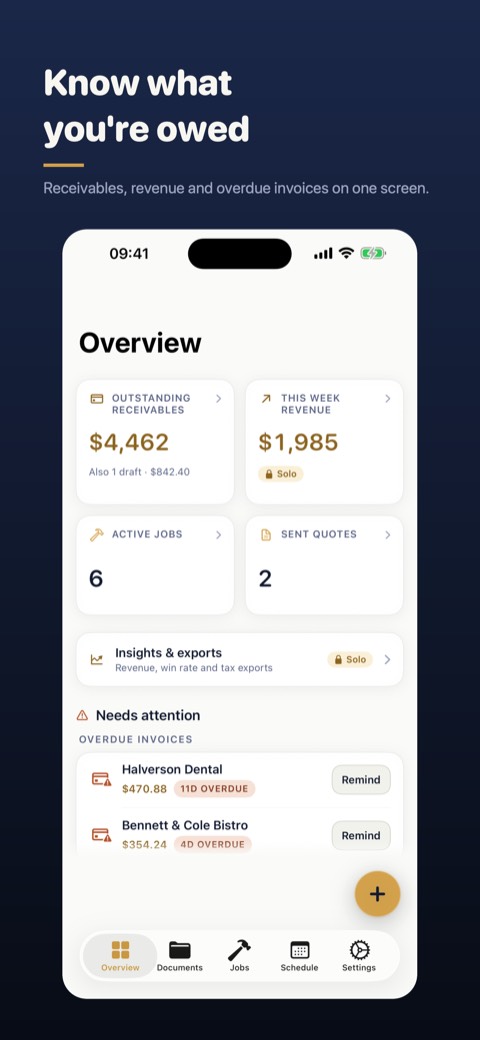
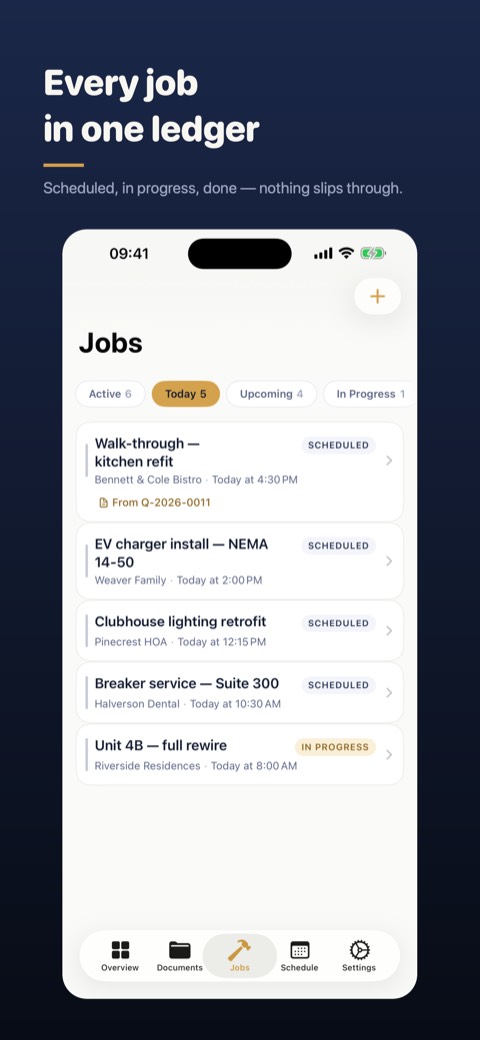
JobLog Pro is an iPhone and iPad ledger for tradespeople who work alone. You write the quote, schedule the job, track time and materials, send the invoice and record the payment, all in one record. It works offline, and your records stay on your device and in your own iCloud.
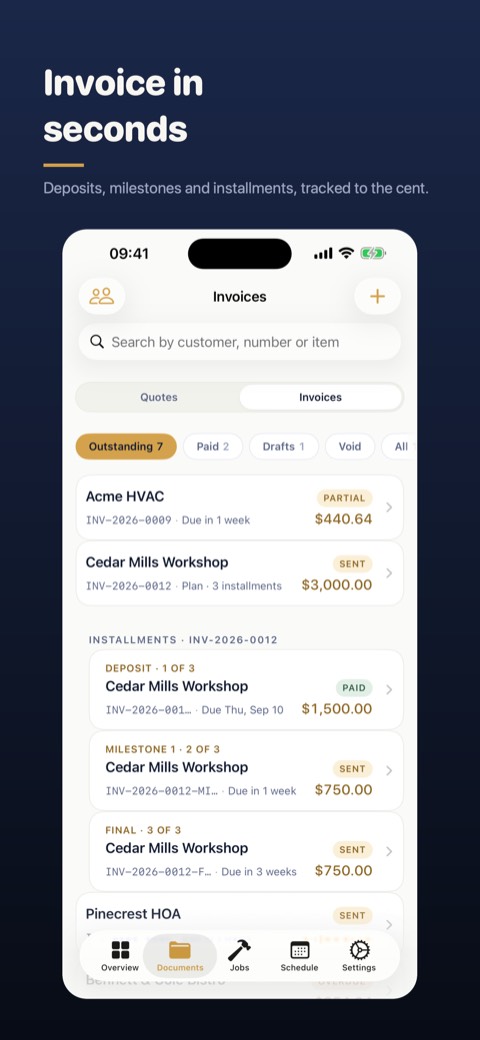
Download on the App StoreBuild a line-item quote from your saved catalog of labor and materials. Turn it into a job when the customer accepts, then into an invoice when the work is done. Nothing gets retyped, and each customer's quotes, jobs, invoices and payments sit on one screen.
Add the payment handles you already use: Venmo, Cash App or Zelle in the US, PayPal, bank transfer or a custom method. They go on your invoices as links and QR codes. JobLog Pro never processes the payment, so the customer pays you directly.
There is no account to create. Customers, quotes, jobs and invoices are stored on your iPhone and sync through your private iCloud database, not a company server. The app never asks for your location.
Dictate a line item instead of typing it, and speech recognition turns it into quantity, description and price. Scan a supply-house receipt to read the total. Both screens remind you to check the result before it goes to a customer.
Log trips by odometer reading or by distance. Each entry keeps the per-mile rate it was logged at. Subscribers can export mileage and a 1099 income summary as PDFs to hand to an accountant. These are record-keeping aids, not tax advice.
Reminders for quotes waiting on an answer and for overdue invoices are local notifications on your phone. Tapping one opens Messages or Mail with a pre-filled draft. You read it and press send yourself. The app never sends bulk texts or automatic messages.
No. The app doesn't process payments. Your invoices carry your own pay links, such as Venmo, Cash App, Zelle, PayPal or bank transfer, so the customer pays you directly through the service you already use.
No. There is no sign-up. Your records are stored on your device and sync through your own private iCloud database if iCloud is turned on. Nothing is stored on JobLog Pro servers.
Yes. Quotes, jobs, invoices, time entries and payments can all be created offline. Sending a PDF by text or email needs a connection, like any other message from your phone.
No. Reminders are local notifications on your phone. Tapping one opens Messages or Mail with a pre-filled draft, and nothing is sent until you press send.
The app is free to download. Customers, quotes, jobs, invoices and payments aren't capped on any tier, and CSV export is always available. The free tier shows ads and a small watermark on PDFs. A subscription removes both and adds Insights and the 1099 and mileage reports.
Yes. JobLog Pro is a universal app for iPhone and iPad. On iPad it uses a sidebar layout and supports multitasking.
No. JobLog Pro is a record-keeping tool. The 1099 summary and mileage reports organize your figures for your accountant. Check them with a tax professional before filing.
Questions or issues? Email support@mobcomsoft.com. We aim to reply within 2 business days.